90 Notes to Self
I am wrapping up a silly little Instagram piece I am calling “90 notes to self”. For 90 days (technically 89, I missed one) I created post for Instagram featuring a snapshot and an illustration of a sticky-note with a hand-scribbled message. The message is typically referencing something about the photo. Some times the note is quite oblique.
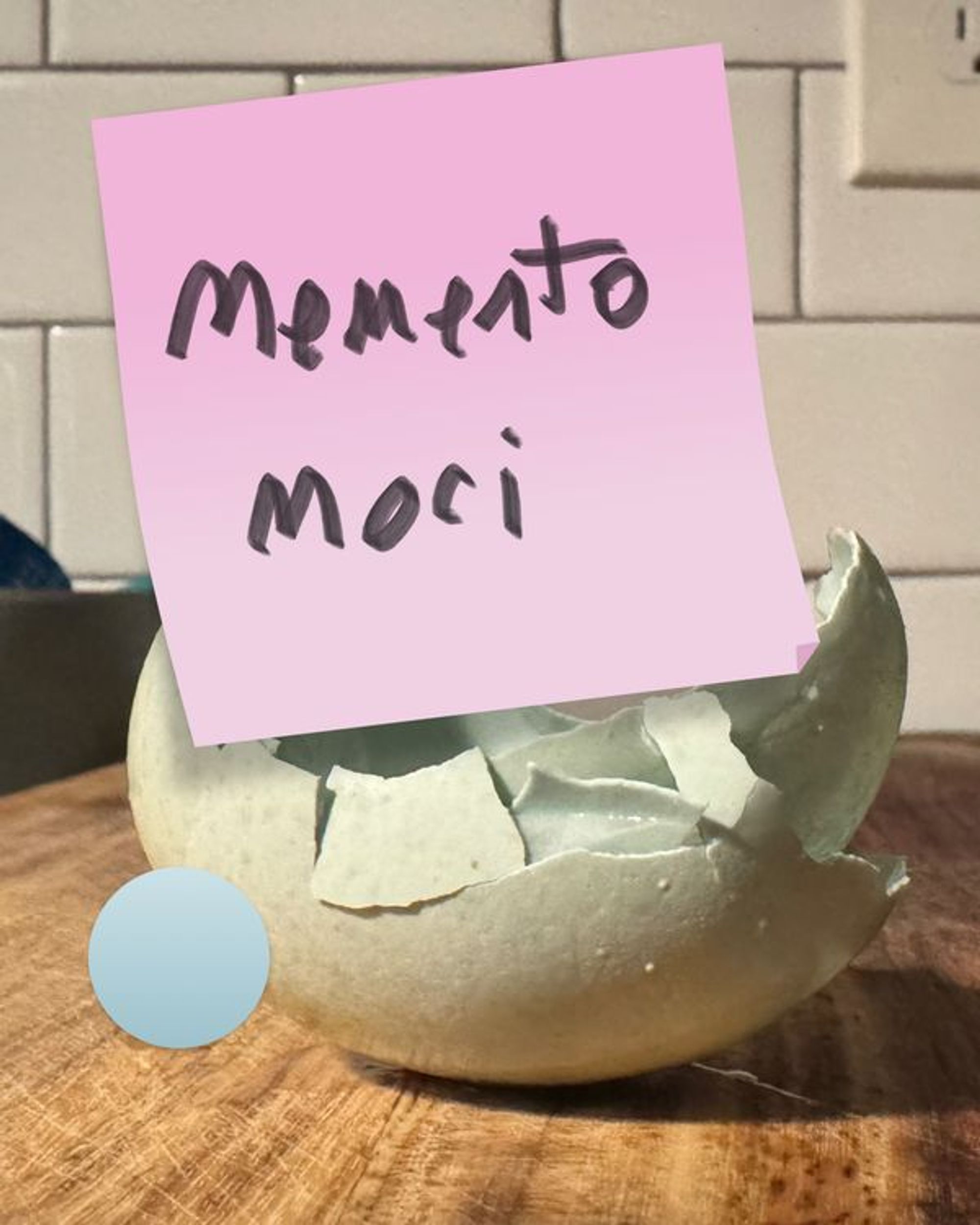
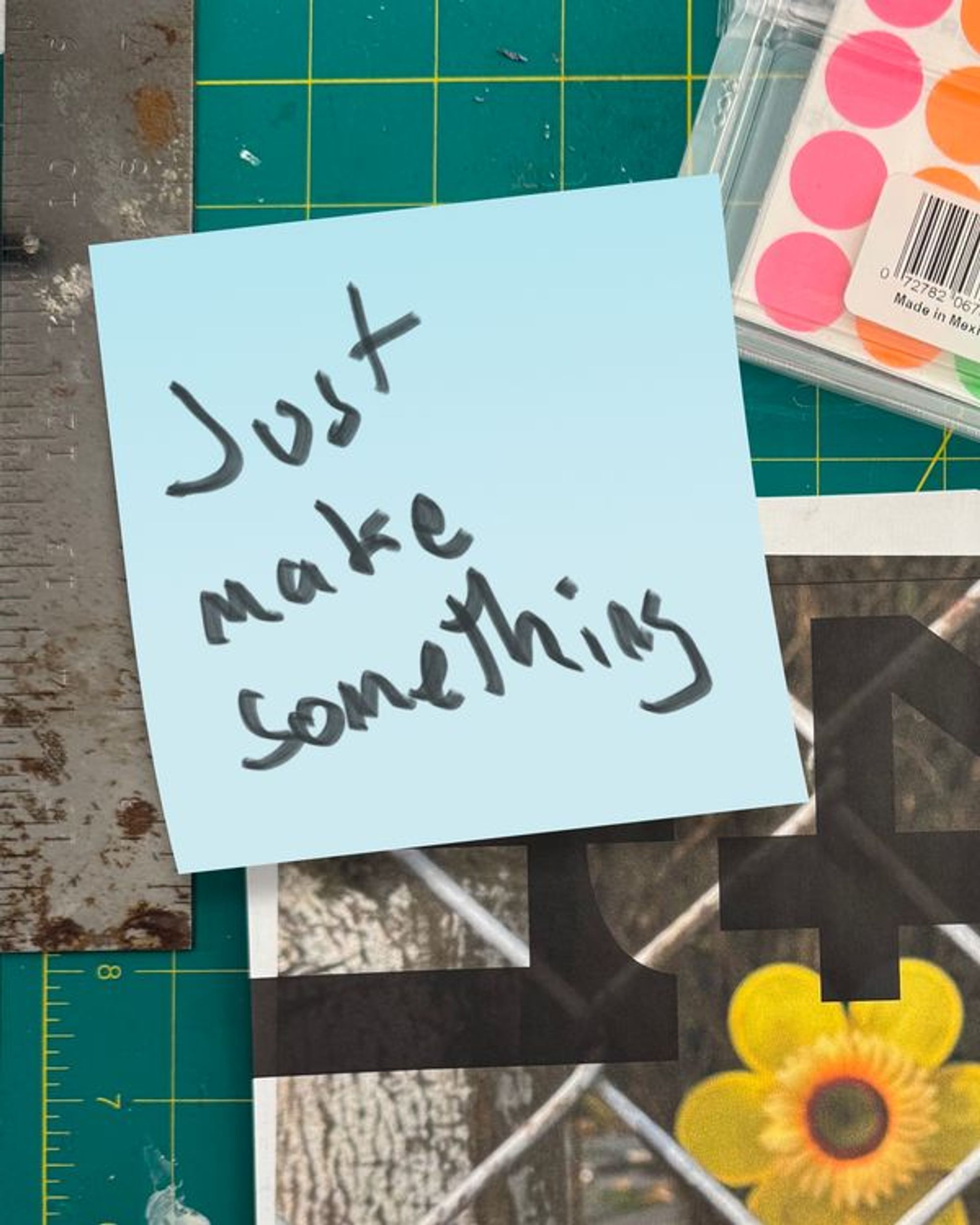
This exercise forced me to take lots of photos. I think this is a good creative habit. If you have a smart phone (and if you pay for cloud storage) you have an unlimited photo and video studio in your pocket. So use it. Take a photo of your food, your dog, that neat flower, that funny sign, everything.
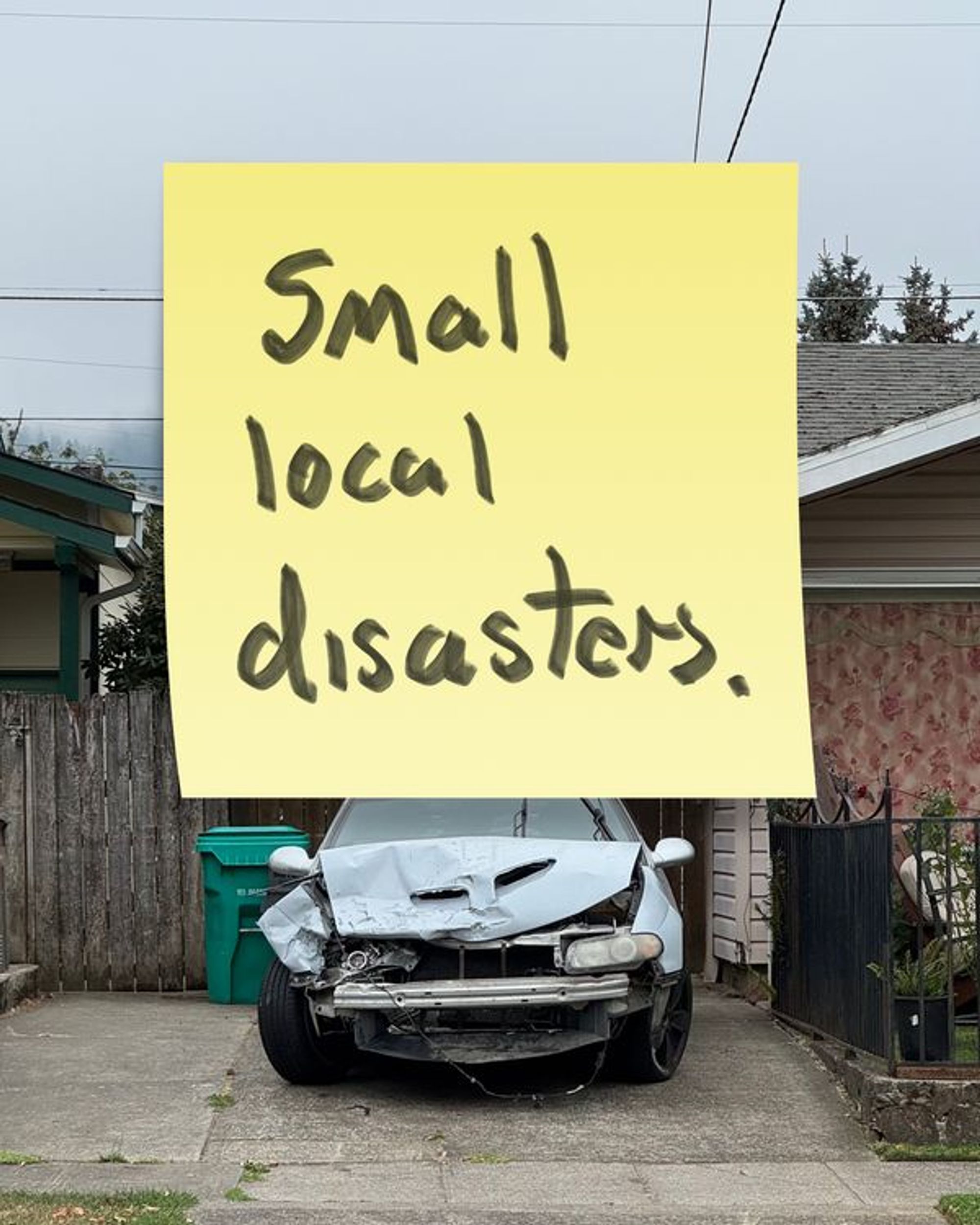
There is something artistically satisfying about posting an image to social media, but then covering must of it up with a sticky-note. What’s he hiding under there?
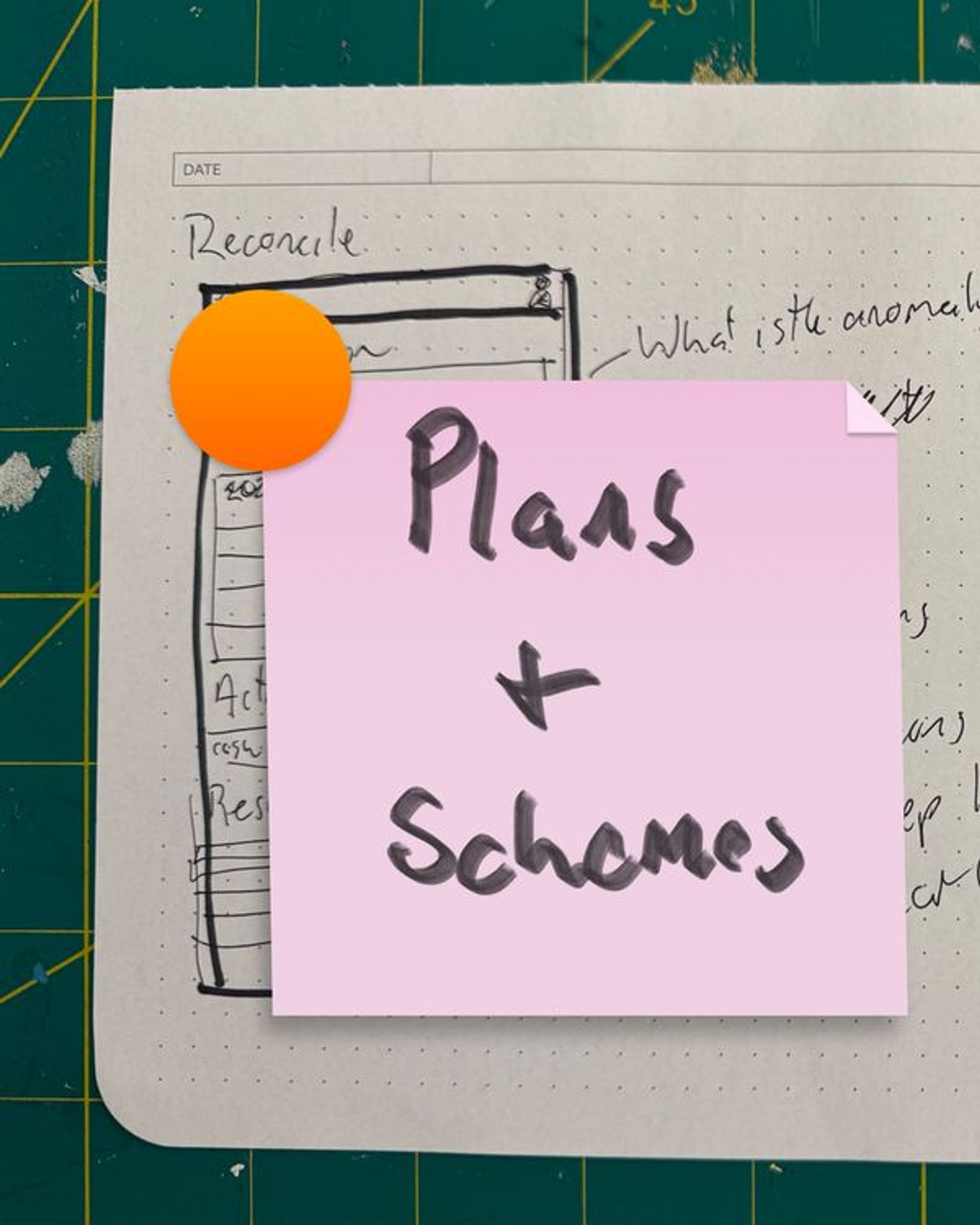
I created these notes en masse. I began using Sketch.app - which used to be my favorite graphic design tool. Recently Sketch changed their business model to chase after Figma. It’s now primarily a subscription service. Your old license still works, but they really want you to subscribe. I think whoever is in charge at Sketch failed to understand that an app which works offline and is explicitly not collaborative is a feature, not a bug.
And here’s a secret: No one likes Figma. It kinda sucks actually. It lacks very basic features. The only thing it does do right is collaboration.
So, Sketch is chasing after a star that is already fading. As a result (the point of this digression), is that the quality of the software has lapsed. What used to be a stalwart workhorse of an app crashes repeatedly. So much and so often that I gave up and switched to Affinity.
Affinity was purchased by Canva and for the moment is free. They hope to make money by charging for premium “AI enabled” features. I’m still not very proficient with Affinity, but it never crashes.
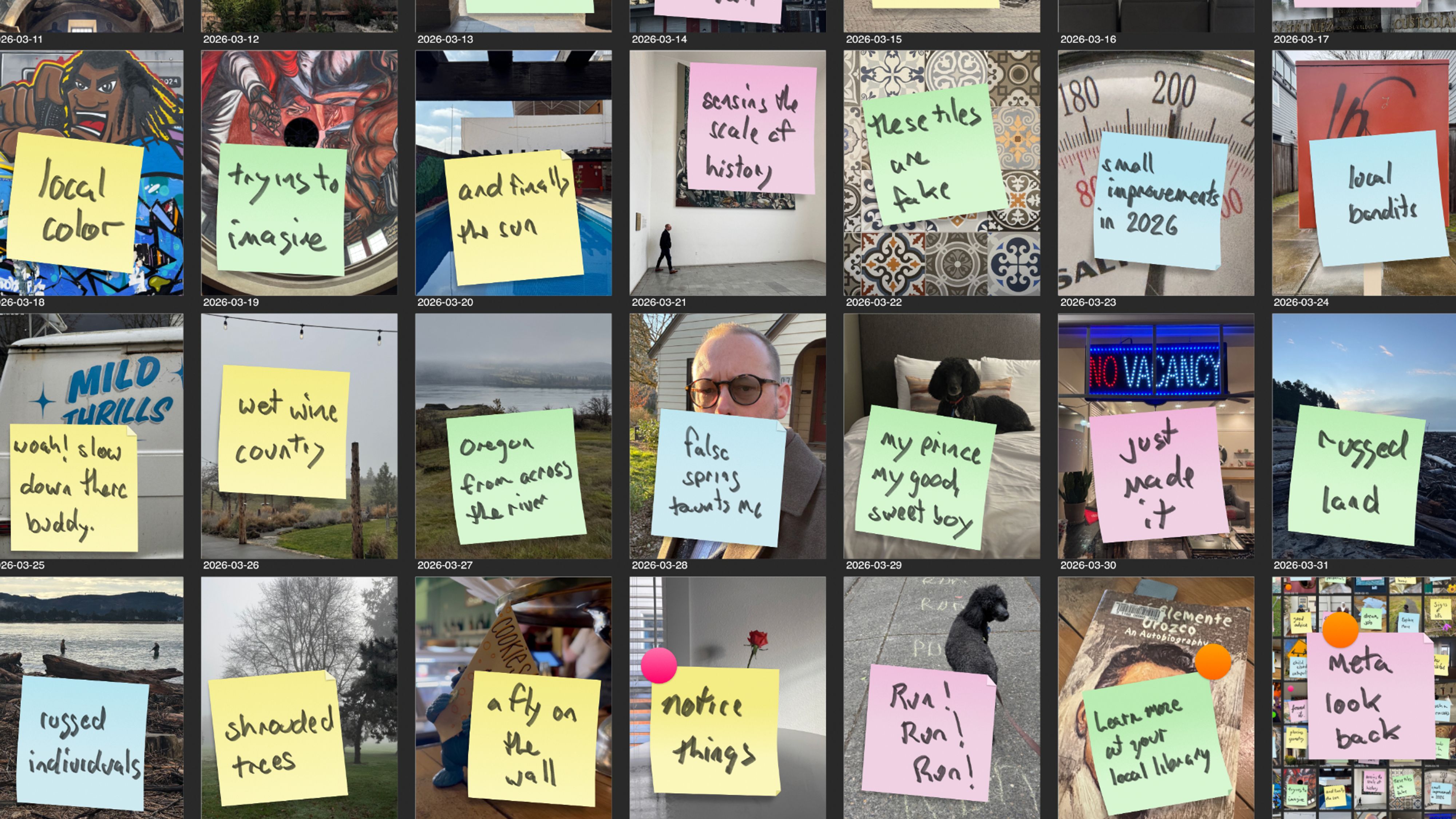
My process for this project was, first, shoot a lot of snapshots. Then once a week or so, I’d curate a collection and add them to a giant art board in Sketch, and then Affinity. In each image I’d layer in a sticky note. I made yellow, blue, pink, and green sticky notes in three “shapes” - three curls, some with turned corners, some straight. This gave me variety and the option to play against the colors in the photo. Yellow, blue, pink, and green are the canonical sticky note colors. To handwrite a note for each sticky I used Procreate on my iPad Mini (which lives by my desk). I set up a canvas in procreate, a big square, and chose a “marker” brush. I’d scribble out a note, copy it in Procreate, and then on my Mac paste that image of handwritten text right on top of the sticky note. This uses Apple’s “hand off” feature you probably only ever see in commercials. But if you have an iPhone and a Mac, on the same network, signed in to the same Apple ID, you can copy on one device and paste on another. It works well, and seems a little like magic. Look at me. I’m an Apple commercial
All together the images become a sort of journal, which is what I expected. This is why I titled it “90 notes to self”. But the flow of images is a little time line back over the last 3 months. It includes lots of dog walks (where I find my best snapshots), some travel, and a lot of daily life.
By accident, I learned a little bit about the Instagram algorithm. If you’re on social media, you have that one friend who “likes” everything you post. I could tell that my posts were showing up on others’ feeds a day or two late, based upon when the likes showed up.
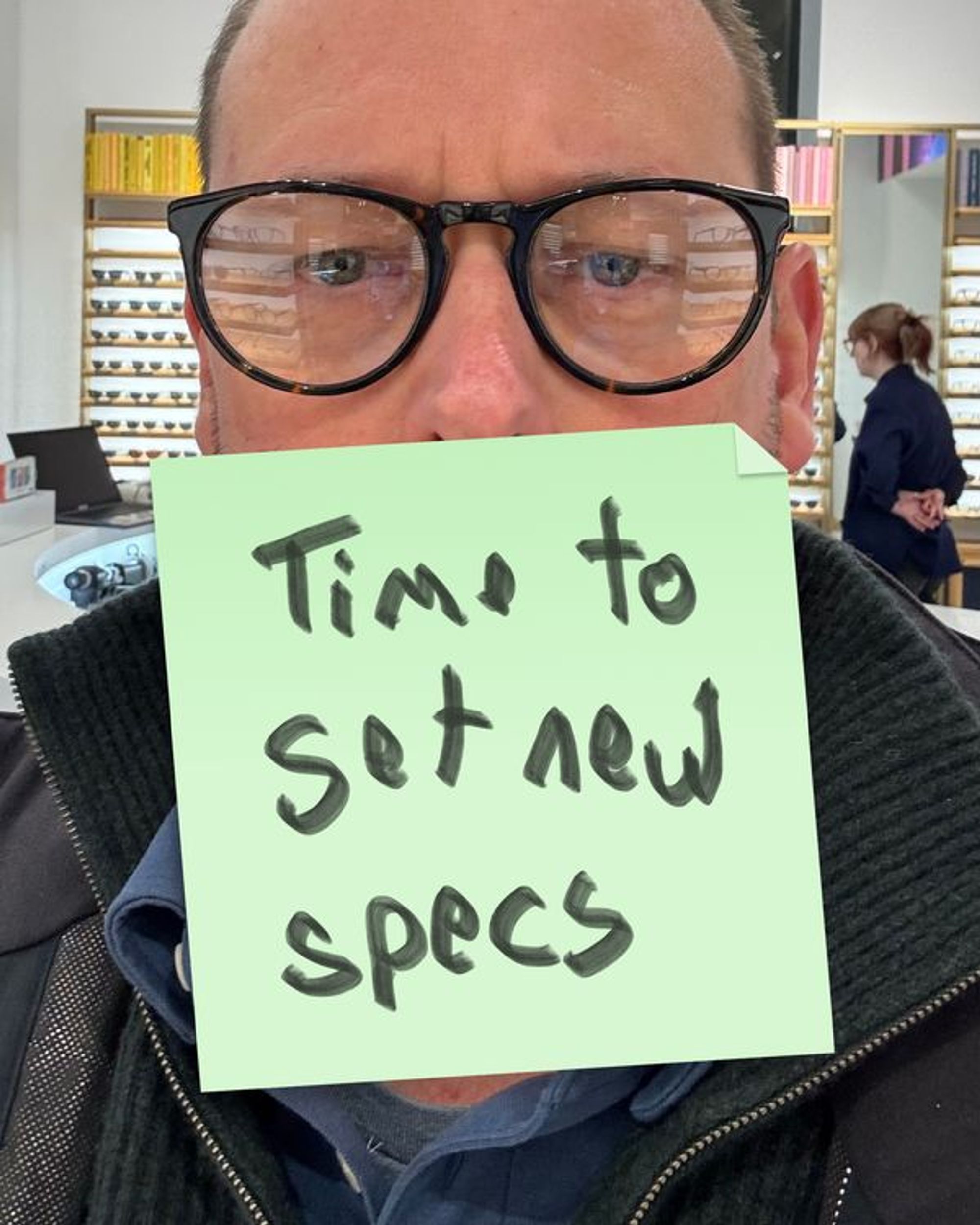
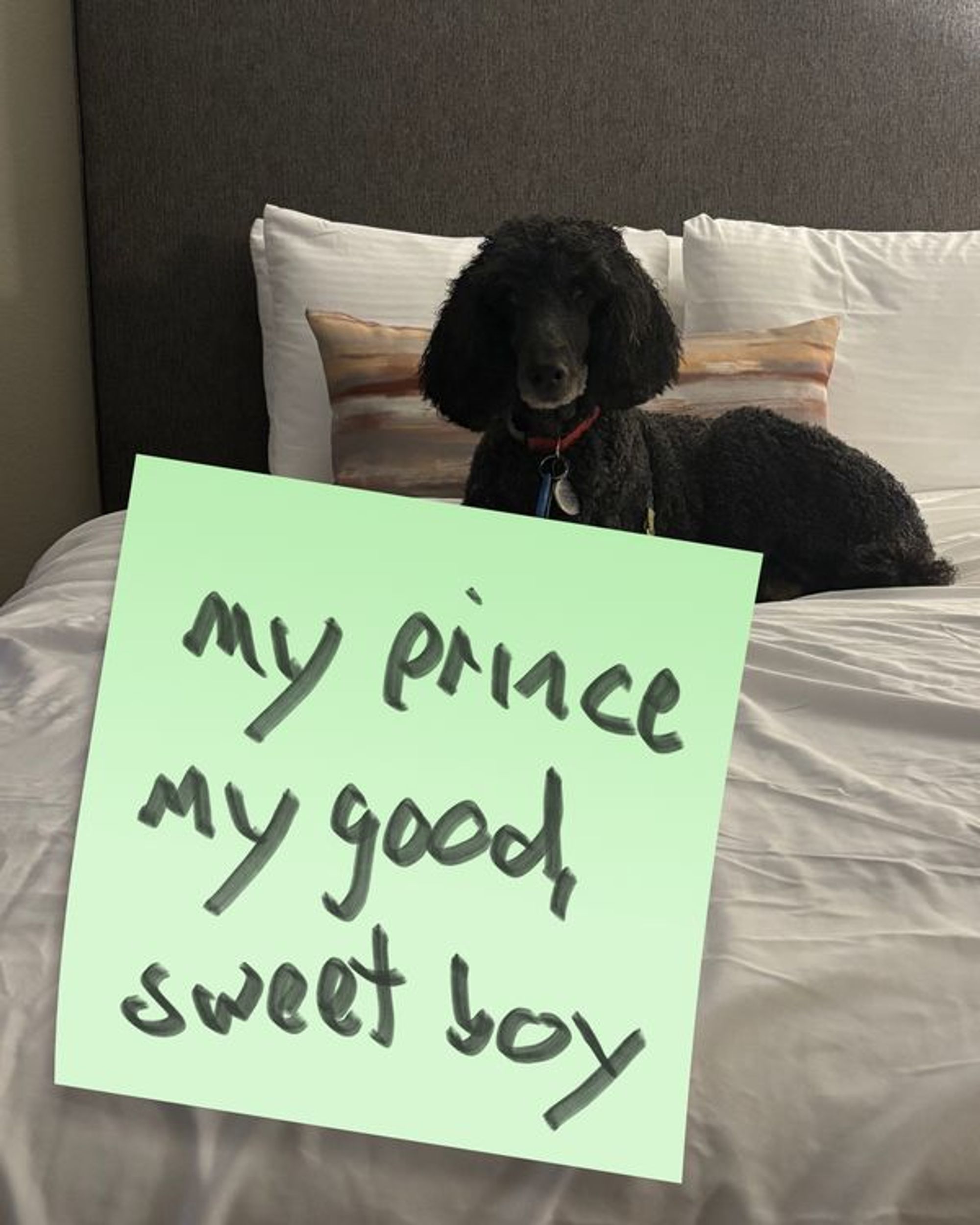
Posts with my big dumb face reached more people. Likewise, photos of my dog seemed to travel far and wide. So I guess if you want to do well on Insta, post pictures of yourself holding a dog.
I’ve collected the output of this project here, in a new section of this site called “projects” which I hope to fill up with other nonsense soon.
Subscribe
New work and writing, straight to your inbox.